Laid out automatically
Pick your outings: the album builds itself, with a theme of your choice (classic, travel journal, magazine…) or a surprise version at every click.
A memorable race, a whole season, a multi-day trek: Kiptrail builds your album with the route map, the profile, your times, your story and your best photos. Fine-tune whatever you like, then print it.
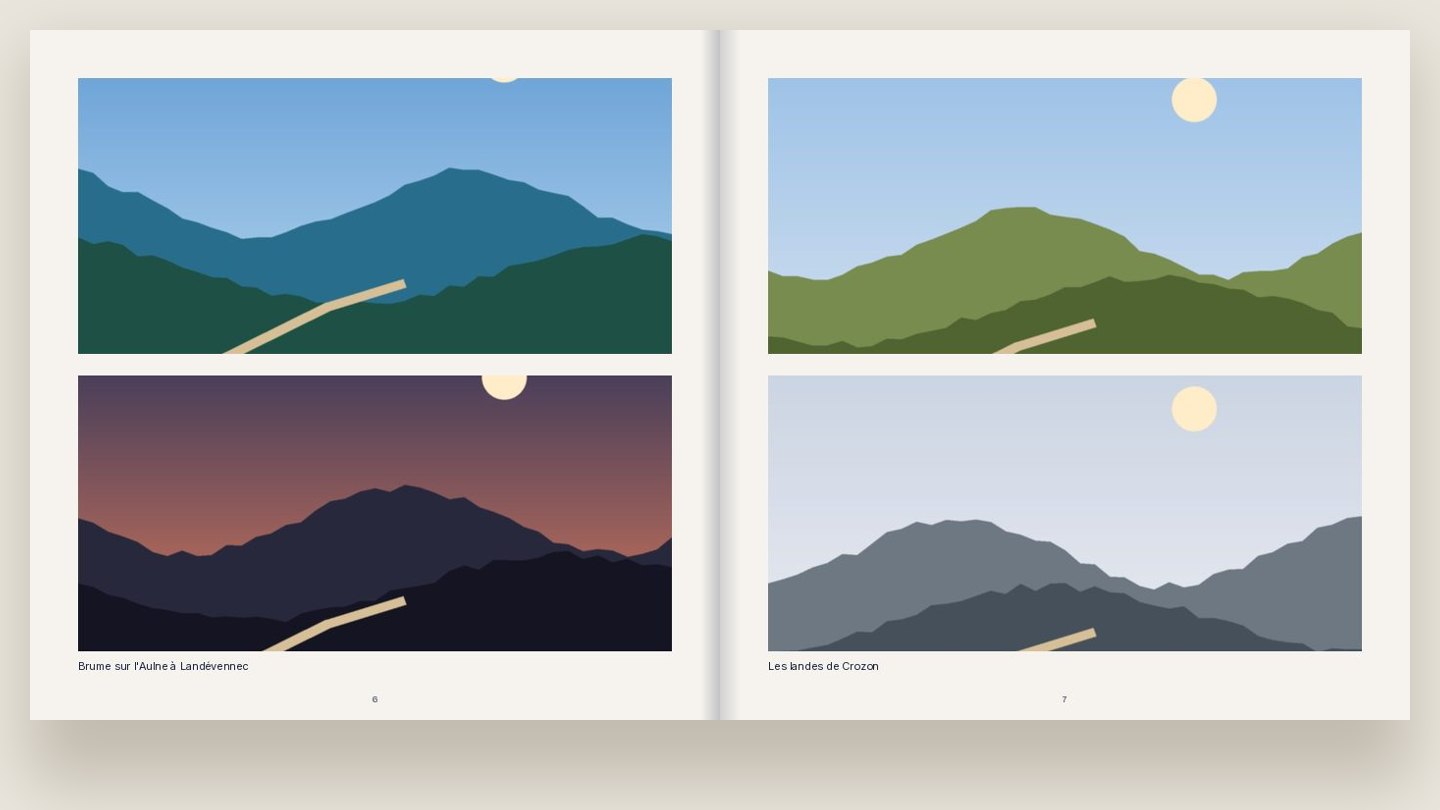
Pick your outings: the album builds itself, with a theme of your choice (classic, travel journal, magazine…) or a surprise version at every click.
Route, elevation profile, distance, time, ranking, aid-station table: your race told in figures, next to your photos.
Crop photos, change fonts and colours, move texts and images, add pages: just like real photo-book software.
Download a high-resolution PDF with bleed, or the images to upload to Photoweb, Cewe or Photobox, or to the printer of your choice.
Creating the album is free during the beta. You only pay for printing, with the printer of your choice.
Square 21 × 21 cm, A4 portrait and A4 landscape, with 300 dpi files and 3 mm bleed, as printers expect.
Yes: Kiptrail also welcomes hikes and multi-day treks. If you don't have a GPX track, draw your route on the map.
Wherever you like: the PDF suits online and local printers, and the images, one per page, upload directly to Photoweb, Cewe or Photobox.
Kiptrail is free during the beta. Create your account, tell an outing, and see the result in a few minutes.
Create my album for free